
02/10/2026
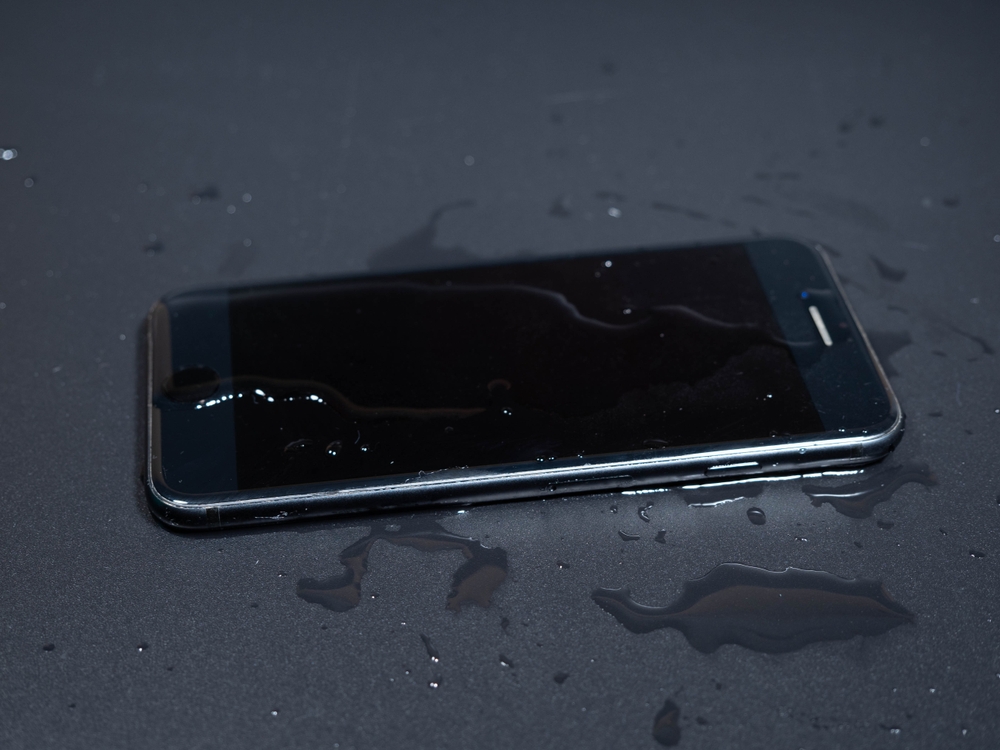
You've probably seen the ads. A phone dropped in a pool, splashed with champagne, or used in the rain. The message is clear: this phone can handle water. But here's something most people don't know: no phone is truly waterproof.
This distinction matters more than you might think, especially when it comes time to sell or trade in your device. At GoRoostr, we can explain what's really going on with water resistance ratings and why that little moisture sensor inside your phone could cost you hundreds of dollars down the road.
When manufacturers say a phone is "water-resistant," they're being very specific with their language. Water-resistant means the device can resist water to some degree, under certain conditions, for a limited time. It does not mean the phone is impervious to water damage.
Think of it like a raincoat. A good raincoat will keep you dry in a light drizzle or even moderate rain. But stand under a waterfall for an hour, and you're getting soaked. Your phone works the same way.
Most modern smartphones come with an IP rating, which stands for Ingress Protection. You'll see numbers like IP67 or IP68 on spec sheets. Here's what these ratings actually mean:
IP67 Rating:
IP68 Rating:
These ratings are determined in laboratory conditions using fresh water at room temperature. Real life is messier.
Water resistance technology has come a long way in the past decade, but understanding its limits is critical for anyone who wants to protect their investment. The protection your phone offers isn't a permanent shield. It's more like a safety net that weakens with age and use.
When engineers design water-resistant phones, they create multiple layers of defense. Adhesive strips line the edges where the screen meets the frame. Rubber gaskets surround the charging port and speaker grills. Special membranes cover internal components. All of these work together to create a barrier against water.
But every time you drop your phone, even from a short height, the impact can compromise these seals. The adhesive can separate slightly from the frame. The gaskets can shift out of position. You won't see this damage with your eyes, but it's happening at a microscopic level.
The word "waterproof" suggests something is completely impervious to water under any circumstances. Submarines are waterproof. Diving watches rated for 300 meters are waterproof. Your smartphone is not. Believing your phone is truly waterproof can lead to costly mistakes when it comes time to sell used iPhone devices, since even minor moisture exposure can reduce resale value.
Here's why phones can never truly be waterproof:
Inside every smartphone are small stickers called Liquid Contact Indicators, or LCIs. Apple uses them. Samsung uses them. Every major manufacturer includes them. Most people have no idea they're there.
These tiny sensors are usually white or silver when dry. When they contact water, they turn red or pink. They're placed in strategic locations inside the phone, often near the charging port, SIM card tray, and other vulnerable areas.
Why do manufacturers include these sensors? To determine if water damage caused a malfunction. If your phone stops working and you bring it in for warranty service, the technician will check these indicators. If they've turned red, the warranty is void.
When you try to sell or trade in your phone, the buyer will check those moisture sensors. It doesn't matter if your phone works perfectly. If those sensors show red, the buyback value drops significantly, or the buyer may refuse the device entirely.
Common Ways Moisture Sensors Get Triggered:
That IP68 rating protects against a quick dunk in water, but it doesn't protect against humidity slowly seeping into your device over months of use.
Professional buyback services and trade-in programs have strict inspection processes. Here's what they check:
If your phone fails any of these checks, expect the offer to drop, or get rejected outright if the condition is drastically different from what was initially submitted.
You can't make your phone waterproof, but you can take steps to protect those moisture sensors and maintain value. Taking simple precautions to protect your device helps preserve resale value, which matters whether you plan to upgrade later or sell a MacBook Pro and other high-value products.
Let's say you're planning to sell your phone and discover the moisture sensors have been triggered. You have a few options:
Water resistance is a great feature that gives you peace of mind. If you drop your phone in the sink while washing dishes, you'll probably be fine. But don't treat your phone like it's a submarine.
Remember these key points:
Your smartphone is probably your most expensive everyday gadget. Treat it with care, keep it away from moisture when possible, and you'll protect both its functionality and its long-term value. That IP68 rating is there for accidents, not as an invitation to test the limits.
When it comes time to upgrade, you'll be glad you took these precautions. A phone with clean moisture indicators and no water damage history can mean hundreds of dollars more in your pocket. And in today's economy, that difference matters. Contact GoRoostr today and protect your phone’s value and maximize your upgrade potential.